Reserve spaces and resources in one request.
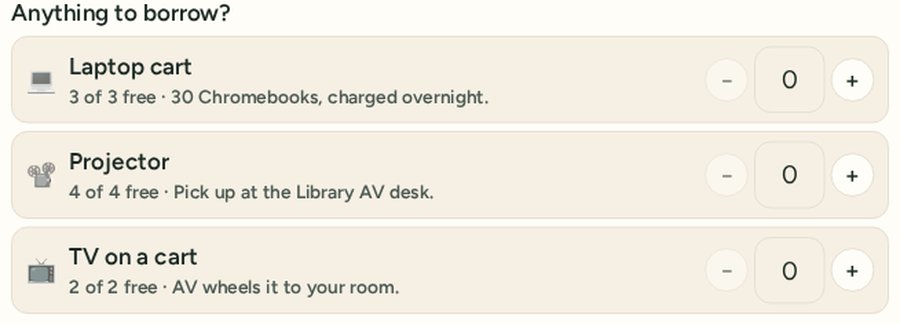
Staff pick a space, like the gym, library, or theater, and borrow what they need, like a projector, TV, or laptop cart. They can see what's free before they ask.
School staff reserve gyms, classrooms, projectors, and computer carts, and add extras like room setup or A/V support in the same request. Each school approves requests its own way, without a paper form or a chain of emails.
Your own free Demo, ready within one business day. Then 30 days free for your whole district.
Renting space to community groups instead? See Facility Rentals →
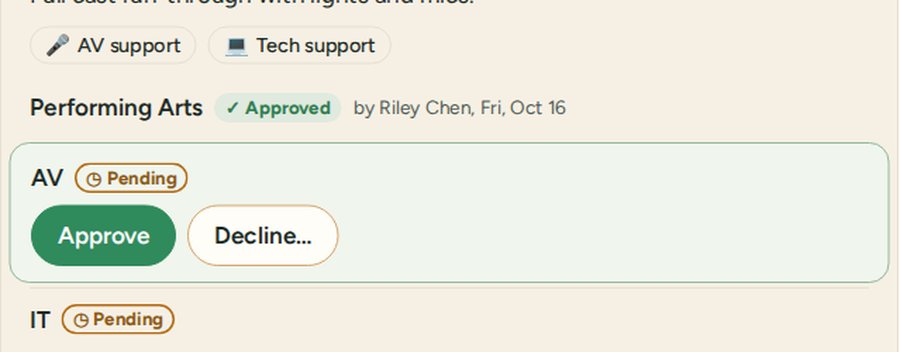
Illustration of a school's approval list. Sample data shown.
A teacher fills out a form to use the gym for Science Night. Someone in the office checks a calendar, emails back about the time, forwards a note about chairs to the custodian, and asks about a projector. The approval arrives as a reply buried in an inbox, and nobody is sure the cart will be there on Thursday.
Wise Old Owl Reservations keeps the request and the details, calendar blocked, the approval, and the conversation together, so staff know where things stand without asking twice.
School staff make the request. Your school decides how it gets approved.
Staff pick a space, like the gym, library, or theater, and borrow what they need, like a projector, TV, or laptop cart. They can see what's free before they ask.
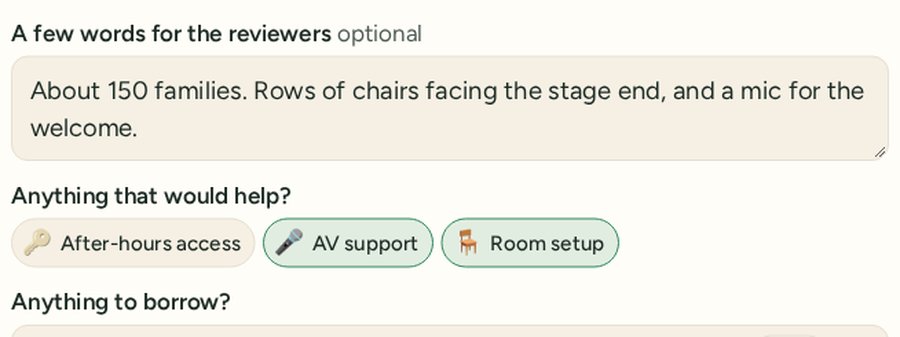
Extras like room setup, A/V support, or after-hours access go on the same request, and the approval group that handles each one is emailed when it's their turn.
Your school decides who approves what. Create groups like Athletics, AV, or Facilities and choose which spaces, equipment, and services each one signs off on. Each group approves its part, and a decline comes with a reason so staff can change the request and send it again.
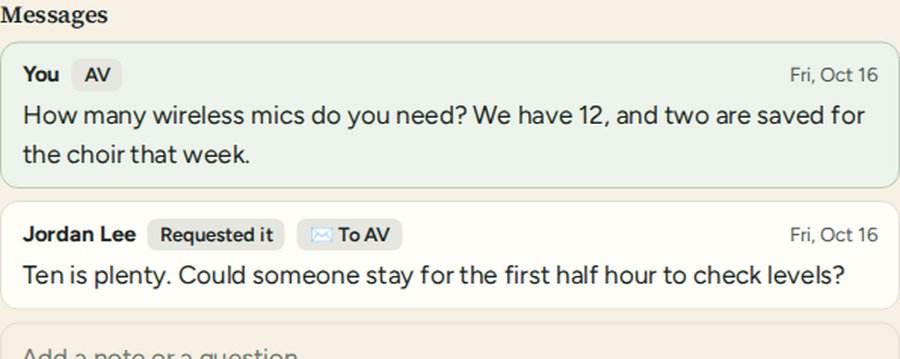
Staff and reviewers message each other on the request itself, and email notifications let people know when it's their turn.
The calendar shows confirmed and pending reservations and the days your school is closed. Staff can click an open spot to start a request.
School admins can see every reservation at their school, and a district admin can see across every school, so nothing gets approved in a side conversation.
Pay monthly or yearly by card, or by invoice if your district needs one. Your first 30 days are free for your whole district.
| Monthly billing | $100 / month |
| Yearly billing | $1,040 / year |
| You save with yearly billing | $160 |
5 or more schools? Ask about volume pricing.
Add your school's spaces, resources, and extras, and set the approval rules, in your own Demo. When you're ready to start, that setup moves to your real account, so nobody starts over. We'll help along the way.
When your staff has questions, our team will be there to assist.
Let community groups, churches, and businesses rent your gyms and auditoriums, with staff review before anything is confirmed. No subscription or setup cost; a fee comes out of each online rental payment.
Who can reserve, approvals, pricing, and what happens after you reach out.
School staff in your district. Staff sign in by invitation or can sign up with their district's email address, your choice. Either way only your own staff can make reservations.
Each space, resource, and extra can have its own approval group, such as Athletics, AV, or Facilities, and sign-offs like the principal's can come after them, in the order you choose. Each school sets up its own groups. Your school admins see every reservation at their school, and a district admin can see across every school.
Spaces, like gyms, classrooms, libraries, and auditoriums. Resources, like projectors, TVs, and computer carts. Staff can also add extras, like room setup or A/V support, to a reservation.
$25 per school per month, or $260 per school per year. Districts with 5 or more schools can ask about volume pricing.
Your first 30 days are free for your whole district, with no credit card needed. After that, you choose monthly or yearly billing.
Staff sign in with their work email and a password, and their email address is confirmed before they can join. Tell us if your district needs single sign-on.
No. Reservations works on its own. Facility Rentals is a separate Wise Old Owl product for renting school spaces to community groups, and you can add it if your district wants one.
Tell us your name, work email, and school. Within one business day we'll email you a login to your own Reservations Demo, set up on your school's email domain with sample staff and reservations, so your team can try every role. If it's a fit, what you set up moves to your real account and your first 30 days are free.
We'll set up a Demo on your school's own email domain, with sample spaces, staff, and reservations, and email you a login within one business day. Try it as a teacher, an approver, and a school admin.